Screenshots, privacy and how long data is kept
What is collected, and what can you switch off?
Nine switches and three numbers. All of them are in two places.
The three numbers
Section titled “The three numbers”Settings (/settings) → Workplace policies. Tenant admin only; everyone else sees it
read-only.
| Field | Range | Default | What it does |
|---|---|---|---|
| Screenshot interval (sec) | 30 to 3600 | 300 (5 min) | How often the desktop tracker captures |
| Idle threshold (sec) | 30 to 3600 | 180 (3 min) | No input for this long marks the session idle |
| Data retention (days) | 1 to 3650 | 90 | Screenshots and raw activity older than this are deleted |
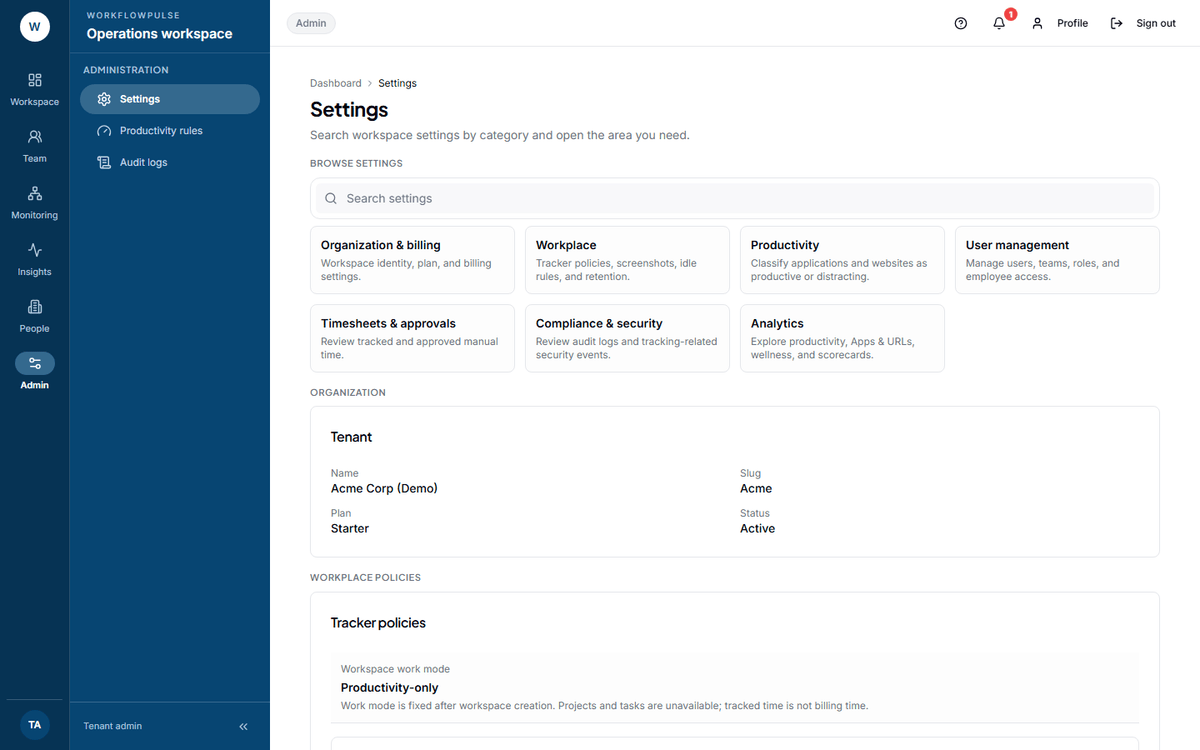 Three fields decide most of what a person will ask you about. The work mode above them is shown as
a value, not a field — it cannot be changed after the workspace is created.
The nine switches
Section titled “The nine switches”Productivity rules (/settings/productivity) → Tracking and privacy tab. Tenant admin only.
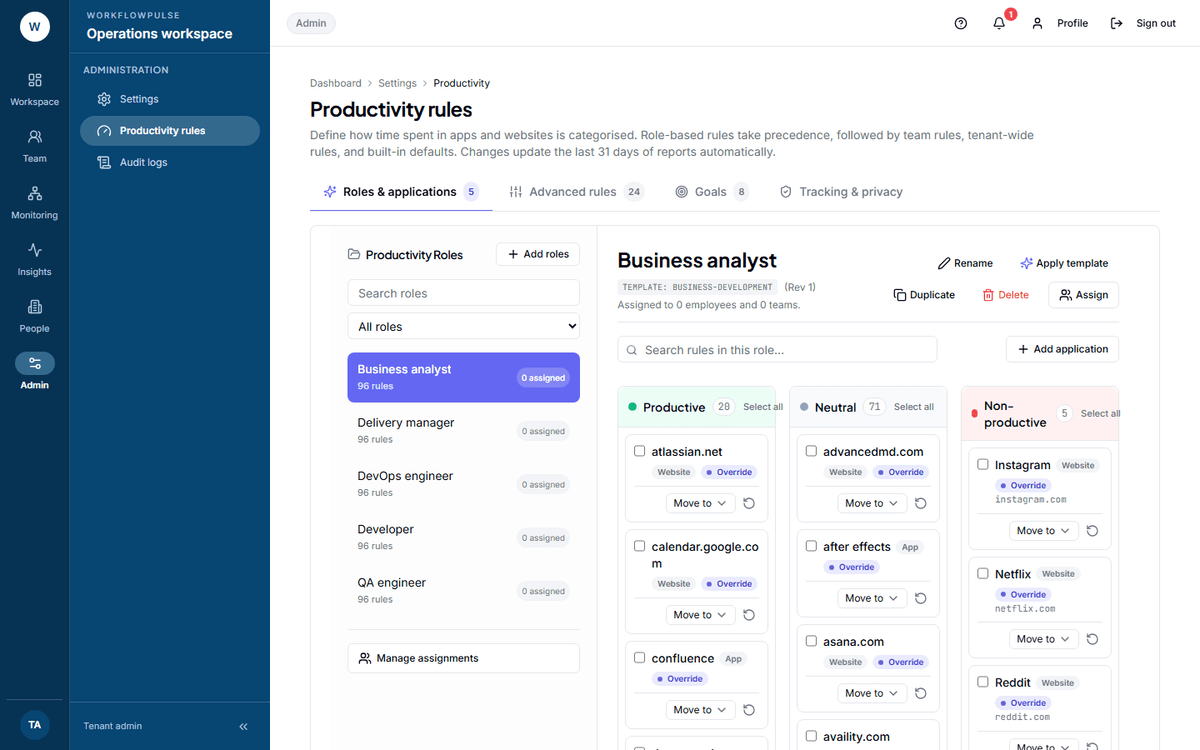 Two groups. Data collection is what is captured about a person. Tracker behavior is what
the desktop app is allowed to do.
Under Data collection, six checkboxes:
| Switch | Default | Turning it off means |
|---|---|---|
| Record app usage | On | No application record at all. The whole category disappears from every report |
| Record window titles | On | App names stay, title bar text is dropped before it is saved |
| Capture screenshots | On | No screenshots are taken or stored |
| Record which websites people visit (domain only, never the full address) | On | No domain record |
| Send live working status | On | The Live screen stops showing who is working |
| Send weekly team figures (no names) to Claude for an AI summary | Off | Nothing leaves the system for the Insights report |
Under Tracker behavior, three more, all off by default: start the desktop app at boot, let people pause tracking, and allow untasked background time to be billable.
Three real privacy properties worth knowing
Section titled “Three real privacy properties worth knowing”Only the domain of a web address is stored. The address is cut at the first /, ? or #
before it is written. Any user name or token in the link is removed too.
https://mail.company.com/inbox/4471?q=salary is kept as mail.company.com.
Key presses are counted, never recorded. The stored fields are two integers per short period. There is no field anywhere in the product that could hold typed text.
How deletion works
Section titled “How deletion works”A job runs every night at 03:30 UTC. For each workspace it deletes everything older than that workspace’s retention days:
- Screenshots — the image file, the preview file, and the database row
- Activity counts
- Application and website records
- Idle periods
- Tracking integrity checks
It does not delete: time logs, tracker sessions, timesheets and their approval history, the daily totals, audit logs, export files, or comments. Those are the billing record and the compliance record, and they stay.
So retention controls the evidence, not the hours. At 90 days nobody can see which window was open last March, and the hours from last March are still billable.
A suspended workspace is still purged on time. Retention is treated as a promise, not a paid feature.
Two records this product does not keep
Section titled “Two records this product does not keep”Say these out loud before a compliance review, because somebody will ask.
A sensible starting position
Section titled “A sensible starting position”| Industry | Screenshots | Window titles | Retention |
|---|---|---|---|
| Software delivery | Every 5 min | On | 90 days |
| Contact centre | Every 10 min | On | 365 days — see BPO setup |
| Accounting | Every 5 min | On | 365 days |
| Healthcare back office | Off | Consider off | 365 days |
The rule behind the table: collect what you will actually look at, and keep it only as long as somebody could ask about it.