Healthcare back office setup
Does this pack fit a medical coding, revenue cycle or claims team?
It fits back-office healthcare work: coders, AR callers, eligibility and verification, and the supervisors over them. The work is volume work on a queue. The screen almost always holds somebody’s medical record.
What it switches on
Section titled “What it switches on”| Setting | Value | Default, for comparison | Why |
|---|---|---|---|
| Work mode | Productivity only | Task based | Claims arrive on a queue. There is no task to pick |
| Tracking mode | Always on | A task is required | The shift is the unit of work |
| Screenshots | Off | Every 5 minutes | See below |
| Idle threshold | 5 minutes | 3 minutes | Queue work, where a long gap is worth seeing |
| Retention | 365 days | 90 days | Claims disputes and audits run long |
What it creates
Section titled “What it creates”- 4 productivity roles — Medical coder, AR caller, Eligibility specialist and Supervisor
- 384 app rules — every role gets a verdict on all 96 applications and websites in the catalogue
- 3 teams — Coding, AR follow-up, Eligibility
- 1 daily goal — 390 productive minutes
- 4 alert rules — not started by 09:30, idle over 45 minutes, productivity under 65 percent, and one more that no other pack has. See below
The roles know this industry’s systems: Epic, Cerner, Availity, Waystar, AdvancedMD and Change Healthcare are all marked productive. The three agent roles start from the support rule set and the supervisor from the HR one, then each gets those systems laid on top.
The one thing it gets right
Section titled “The one thing it gets right”Screenshots are off, and that is the safe default.
A coder’s screen holds a patient name, a diagnosis and a date of birth. A screenshot of it is protected health information, held in a new place, seen by new people, kept for a year. Every pack but this one turns screenshots on. This one does not.
The second thing it gets right
Section titled “The second thing it gets right”It watches for personal file sharing, and it tells an admin rather than a manager.
This is the only pack that adds anything to the distracting list, and the only one with an alert aimed at admins. Every role here marks Dropbox, WhatsApp Web and Telegram distracting, and a fourth alert rule — Personal file sharing in use — fires to admins the first time one of them is used.
In a workspace where the screen holds patient data, that alert is not a productivity measure. It is the nearest thing this product has to a data-exfiltration watch.
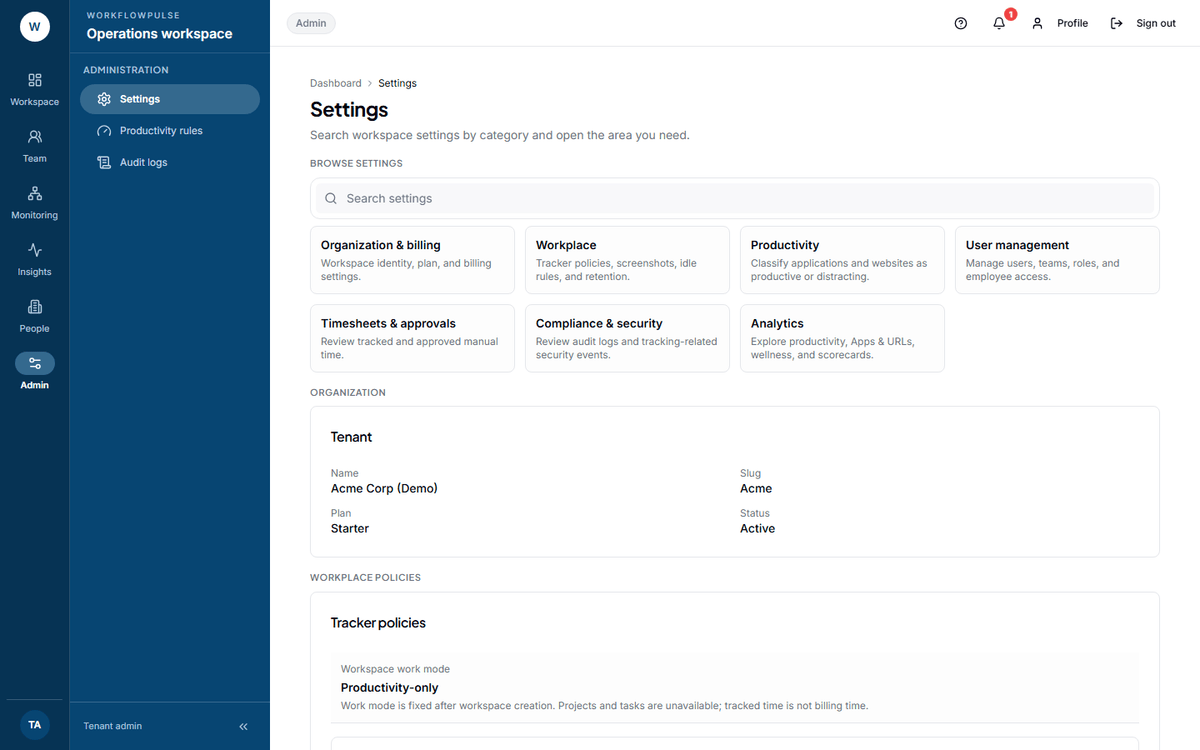 The two numbers to check after applying this pack. Screenshots off, and retention at 365 — both
different from what a new workspace starts with.
What to change after you apply it
Section titled “What to change after you apply it”- Set the daily target to your real production target — claims, charts or calls per day. 390 minutes is a starting number.
- Check that the supervisor role can see the team and nothing wider. See People and roles.
- Check the 09:30 alert against your actual shift start. It is set in minutes past midnight.
- Send What is recorded about you to every person before their first tracked shift.
Next: Screenshots, privacy and how long data is kept · Screenshots